CPU dashboard lab: make stale data visible
Time: 45–75 minutes. First run: any modern browser. Automated model checks: Node plus Python 3. Optional browser checks: Python Playwright and Chromium. No Jetson or network service is required.
Open the example
Open dashboard.html. When using a repository checkout, open the file directly in your browser, keeping telemetry.js in the same directory. If downloading individual files, save both together. The example has no external scripts, accounts or API keys.
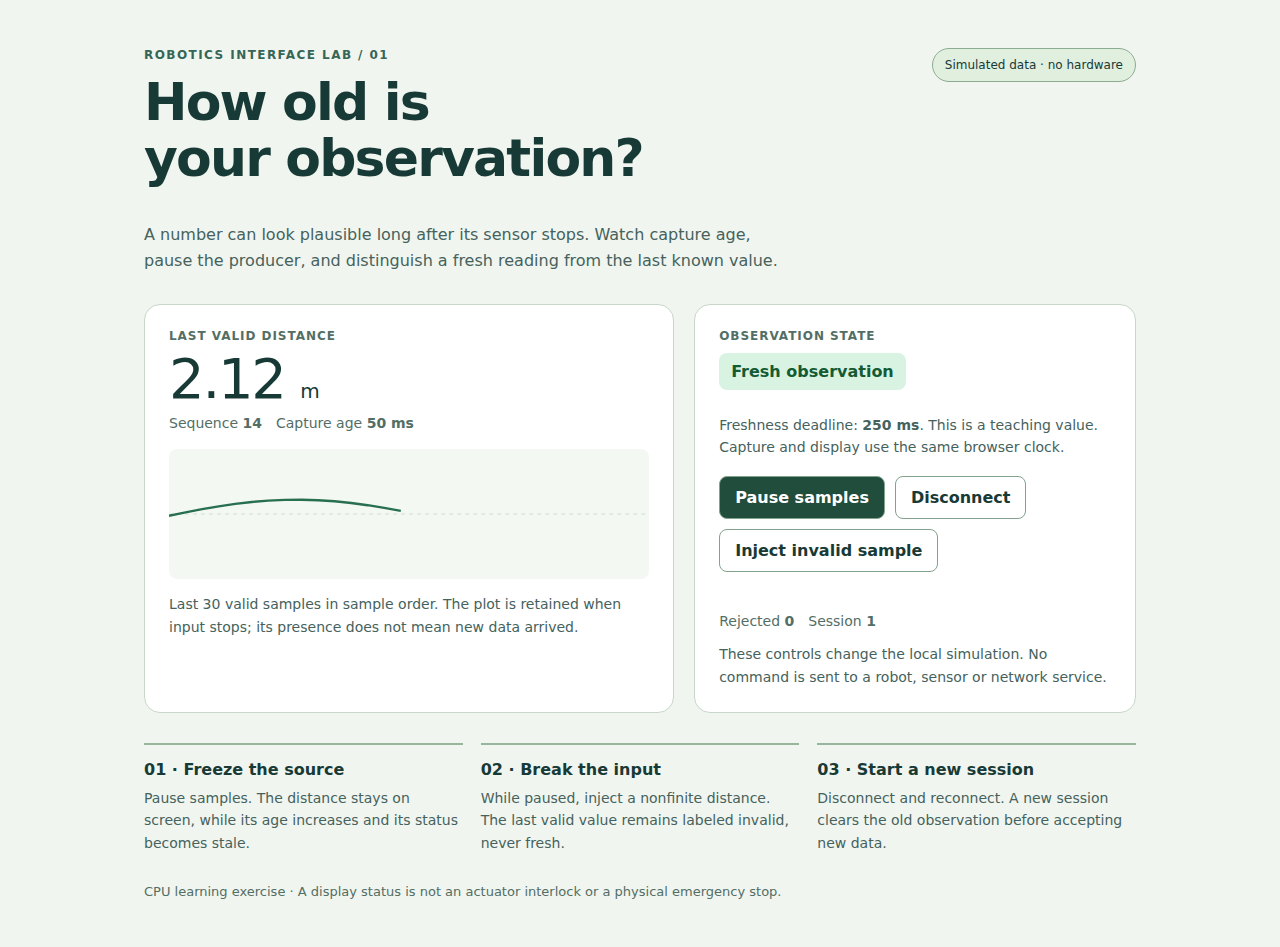
The source generates a synthetic distance every 100 ms. Its 250 ms freshness deadline is an illustrative requirement, not a recommended deadline for all sensors or robots. All timestamps in this example use the same browser performance.now() clock.
Predict four transitions
- Pause samples: the number/sequence should freeze, its age should continue increasing, and the state should become stale after the deadline.
- Inject invalid sample while paused: the last valid number should remain visible, but the state should say invalid and the rejected count should increase.
- Resume samples: a new valid observation should restore freshness; the rejection count remains as evidence.
- Disconnect/reconnect: disconnection must stay explicit; reconnection starts a new session and clears the prior observation before the next sample.
A paused source is not a paused clock. The view recomputes age independently of message arrival. The status is a presentation of the teaching model, not an actuator safety function.
Follow the actual model
Read telemetry.js. It separates four operations: create a session, receive a message, disconnect, and derive a view. It rejects nonfinite/out-of-range distances, future capture times, duplicate/old sequences and unexpected sessions. A new valid message clears the current input-error state, while the rejection count remains.
The model copies only the accepted fields and freezes the stored sample. Mutating a producer's old message afterward cannot silently change the observation. Disconnected state ignores arriving messages. Reconnecting creates a new model, so an old session cannot populate the new view.
Worked boundary: capture at 100 ms, receive at 300 ms, display at 350 ms gives 250 ms capture age. At 350.01 ms, the age exceeds the deadline. Local receipt age would be 50.01 ms and would understate the age known in this one-clock example.
The renderer uses textContent for status and values. It updates the live status region only when its text changes, rather than announcing the same state on every 50 ms repaint. The graph contains at most 30 valid samples and labels its x-axis interpretation as sample order.
Run the model checks
From the course repository root:
python3 -m unittest discover -s "Phase 4 - Track B - Nvidia Jetson/5. Application Development/3. GUI/labs" -p "test_*.py" -v
The seven tests launch Node and execute the actual browser model file. If Node is missing, the suite reports a skip; that is not a passing JavaScript validation. Read test_telemetry.py and predict each outcome before running it.
Optional actual browser checks
With a compatible Playwright installation and Chromium available:
python3 -m unittest discover -s "Phase 4 - Track B - Nvidia Jetson/5. Application Development/3. GUI/labs/optional" -p "test_*.py" -v
The runner uses COURSE_CHROMIUM if set, then a discovered Google Chrome/Chromium executable, otherwise Playwright's installed browser. It uses Playwright's controlled clock so stale transitions can be tested without relying on slow wall-clock sleeps.
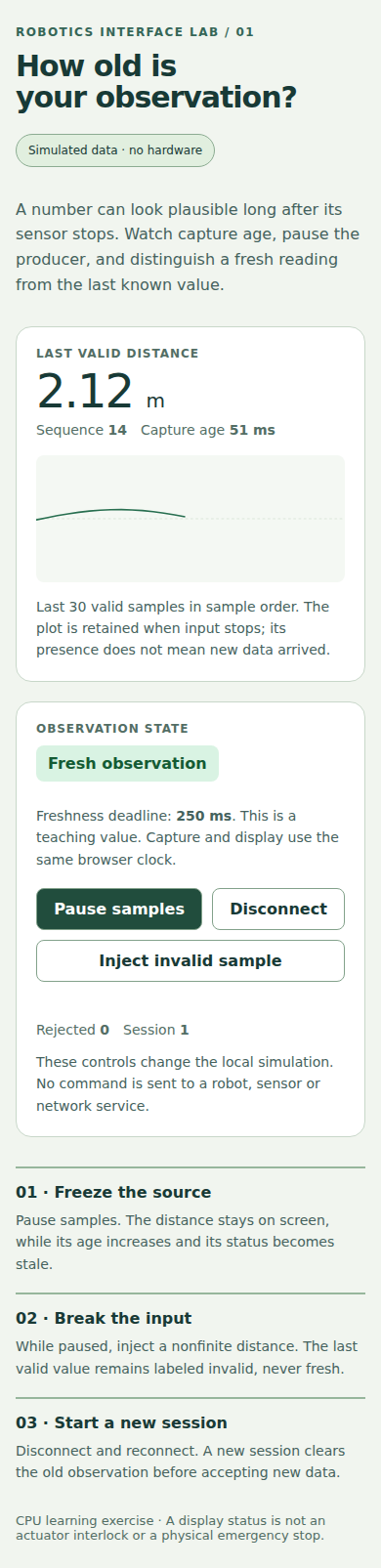
Four actual browser tests passed in the recorded review: pause/stale/resume; invalid input; disconnect/new-session clearing; and 390-pixel layout/keyboard focus. JavaScript page errors fail the tests. See validation.json for source hashes and versions, and the mobile capture for appearance.
Extend it and explain the limits
Add one observation with explicit units and a separate deadline. Write a model test that distinguishes its age from the original distance. Then test the rendered missing/stale state using keyboard controls.
Submit predicted transitions, observed results, one-clock age calculations and the new test. Explain what changes when the source is remote: device and browser clocks cannot generally be subtracted directly, transport reconnects need a session contract, and displaying “command sent” does not establish that a robot performed it.
Return to the GUI lesson for target display/toolkit integration.